


It was a Tuesday morning when the email landed.
“Our current server is crawling. Invoices take 8 seconds to load. We’re entering peak billing week. Can you move us?”
The company was a 40-person wholesale distributor running ERPNext on a $20 VPS they’d set up two years ago. The person who built it had left. Nobody knew the Frappe version, the bench structure, or even where backups were going. The database was pushing 12GB with years of stock transactions. And they needed it moved before Friday.
We said yes. Here’s exactly how it went — and the moment around 2 AM where we stared at a blank screen and realized we’d missed one critical thing.
The Discovery Phase (Or: Please Don’t Skip This)
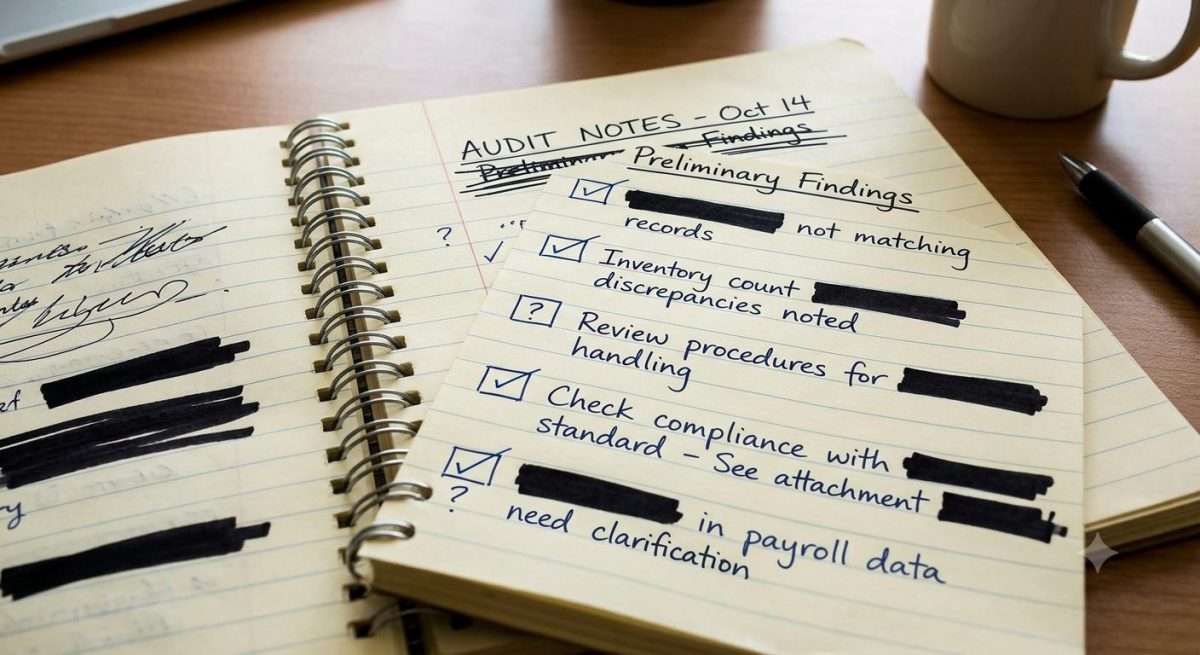
Before we touched anything, we spent three hours mapping their setup. Here’s what we found:
- Frappe v13 running on Python 3.8, sitting on a single-core VPS with 2GB RAM. MariaDB was swapping to disk constantly. No wonder invoices took 8 seconds.
- Backups existed — sort of. A cron job was dumping the database nightly, but the files folder hadn’t been backed up in 14 months. No site config backup either.
- Their SSL certificate was expiring in 11 days, renewed manually by the ex-employee who’d left six months ago.
- Redis wasn’t configured as a socket, so every cache hit was doing a TCP round trip.
- The site had 11 custom doctypes and a handful of server-side scripts, none of which were documented.
We documented everything. Not for the blog post — for our own survival. If something broke, we needed to know what “normal” looked like.
The Migration Plan
We proposed moving them to a dedicated environment on our infrastructure: 4 vCPUs, 16GB RAM, MariaDB with a tuned buffer pool, Redis over socket, proper site config backup, and automated SSL via Certbot.
But the tricky part wasn’t the hardware. It was the version upgrade. Their Frappe v13 was end-of-life and several security patches behind. We wanted to bring them to v15, but we couldn’t jump directly. The path was v13 → v14 → v15, with bench migrations at each step. Doing that on a live site without days of downtime required a specific sequence.
Here was the plan:
- Friday 6 PM: Put the site in maintenance mode. Take the final database dump and full file backup.
- Friday 7 PM to Saturday morning: Restore on the new server, run v13 → v14 migration, test. Then v14 → v15, test. Fix whatever breaks.
- Saturday 10 AM: DNS cutover with a 5-minute TTL we’d set earlier in the week.
- Saturday afternoon: Full validation with their operations manager — stock levels, open invoices, purchase orders, GL balances.
- Saturday 6 PM: Go live officially.
We walked the client through this plan on a 30-minute call. Their ops manager asked: “What if it breaks and we can’t go back?” We told them: the old server stays untouched until we confirm everything. If Saturday goes south, we point DNS back and they lose zero data. That reassurance was probably why they said yes.
The Migration — Smooth Until It Wasn’t
Friday night, we ran the final backup. The database dump took 14 minutes. The files folder, which should have been maybe 2GB, was 27GB. Someone had been attaching raw phone photos to purchase invoices for two years without any compression. We made a mental note to set up file size limits on the new server but didn’t touch it now — priority was the move.
We restored to the new server. Bench migration v13 → v14 ran with minimal errors — a few custom doctypes needed field type adjustments because of deprecated types in the newer Frappe framework. Fixed those in under an hour.
Then came v14 → v15.
The migration script ran for 22 minutes, then stopped mid-way with an error we hadn’t seen before: a custom server-side script was referencing a method removed in Frappe v15. The script handled their automated purchase order creation from sales order items — meaning their entire procurement workflow.
We had two choices: fix the script now, or roll back.
We fixed it. Took two hours of tracing through the code the previous developer had written, understanding the intent, and rewriting it against the v15 API. Tested with sample data. It worked.
At 2 AM, we ran the full bench migrate again. Clean.
But when we loaded the site on the new server’s preview URL, the login page rendered as plain text. No CSS, no images, just raw HTML.
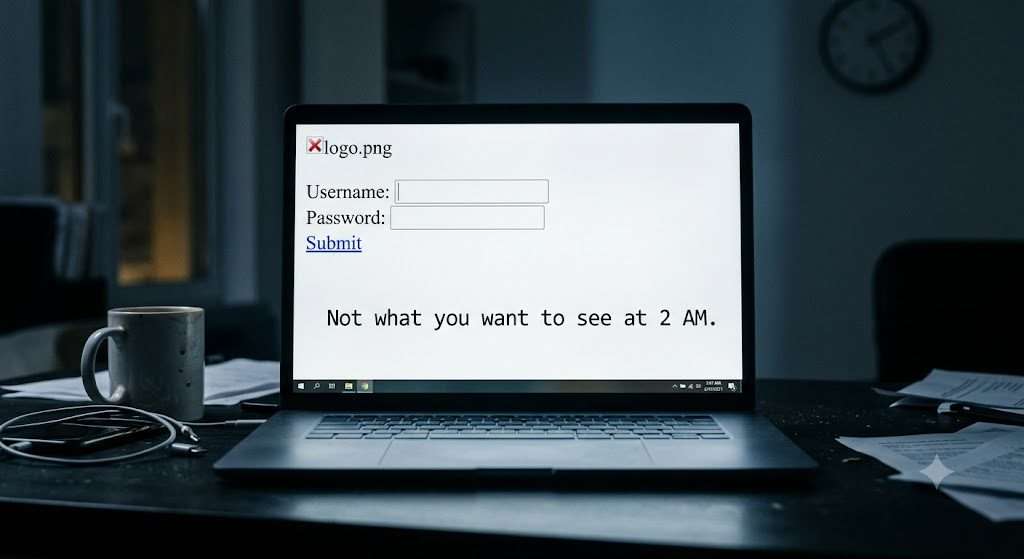
We checked Nginx, static file permissions, the socket setup. Everything looked fine. Then we realized: their custom domain was hardcoded into the site’s site_config.json for the host_name field, and the old Nginx config had a redirect we hadn’t replicated. The new server didn’t recognize itself. A two-line fix, but the kind that makes your stomach drop at 2 AM when you’ve been staring at terminal output for seven hours.
Fixed it. Login page loaded. We logged in, ran a quick smoke test, and went to bed at 3:30 AM.
Saturday: Validation and the Uncomfortable Silence
We woke up at 8, made coffee, and joined a video call with their ops manager. She went screen-share and navigated through her daily workflows while we watched silently. This part is always tense.
She pulled up a customer account — correct outstanding balance. Opened a sales order from last week — line items and tax breakdown matched their records. Checked stock levels for three SKUs — spot on. Ran a GL report for the current month — matched her offline reconciliation spreadsheet.
Then she said something that made the whole thing worth it: “Wait, this is loading instantly. Are we on the new server already?”
We hadn’t even cut over DNS yet. She was still testing on the preview URL.
The DNS cutover took under three minutes. We held our breath for the propagation, but the 5-minute TTL did its job. By 11 AM, traffic was hitting the new server. We monitored for four more hours — CPU idle, memory comfortable, page loads under 200ms for most views.
At 3 PM, we sent the all-clear email and closed the laptop.
What We Learned (And What We Now Do Differently)
Every migration teaches you something. Here’s what this one reinforced:
1. The audit is non-negotiable.
If we’d skipped documenting their custom scripts and doctypes, we’d have been blindsided by that v15 compatibility break with no context. Now we have a standard audit checklist we run for every migration client. It takes 2-3 hours. It’s never wasted time.
2. Always stage on a preview URL first.
Never, ever point DNS at a server you haven’t fully loaded and tested. The preview URL caught the login page issue before it affected a single user.
3. Backups aren’t just database dumps.
If we’d only backed up the database, we’d have lost every file attachment — invoices, signed PDFs, product images. A full ERPNext backup means database + files folder + site config. We now script this as a single command in our migration toolkit.
4. Prepare for the human moment.
The most important part of this migration wasn’t technical. It was the video call where the ops manager confirmed her numbers matched. That’s when trust gets built or broken. We now schedule that call formally — it’s not an afterthought.
5. Budget for the unexpected.
We quoted the client a fixed migration fee, and the extra two hours rewriting their custom script came out of our margin. That’s okay — it’s part of the business. But it’s why we now scope migration estimates with a buffer for undocumented customizations.
Questions to Ask Before You Migrate Your ERPNext Instance
Whether you do it yourself or hire someone, run through these before you touch anything:
- Do I have a complete, recent backup of the database, files folder, and site config?
- Do I know what version I’m currently running — and what versions I can safely upgrade to?
- Are there any custom doctypes, server scripts, or print formats that might break?
- What’s my rollback plan if something fails?
- Who’s going to validate the data after the move, and do they have a checklist ready?
If you can’t answer all five confidently, don’t start the migration yet.
We run managed ERPNext hosting at erpnext.space — dedicated environments, hands-on migrations, and a team that’s seen the 2 AM login screen and fixed it. If you’re thinking about moving your instance, we’d rather you spend an hour asking us difficult questions than a weekend recovering from a bad migration. Get in touch.